
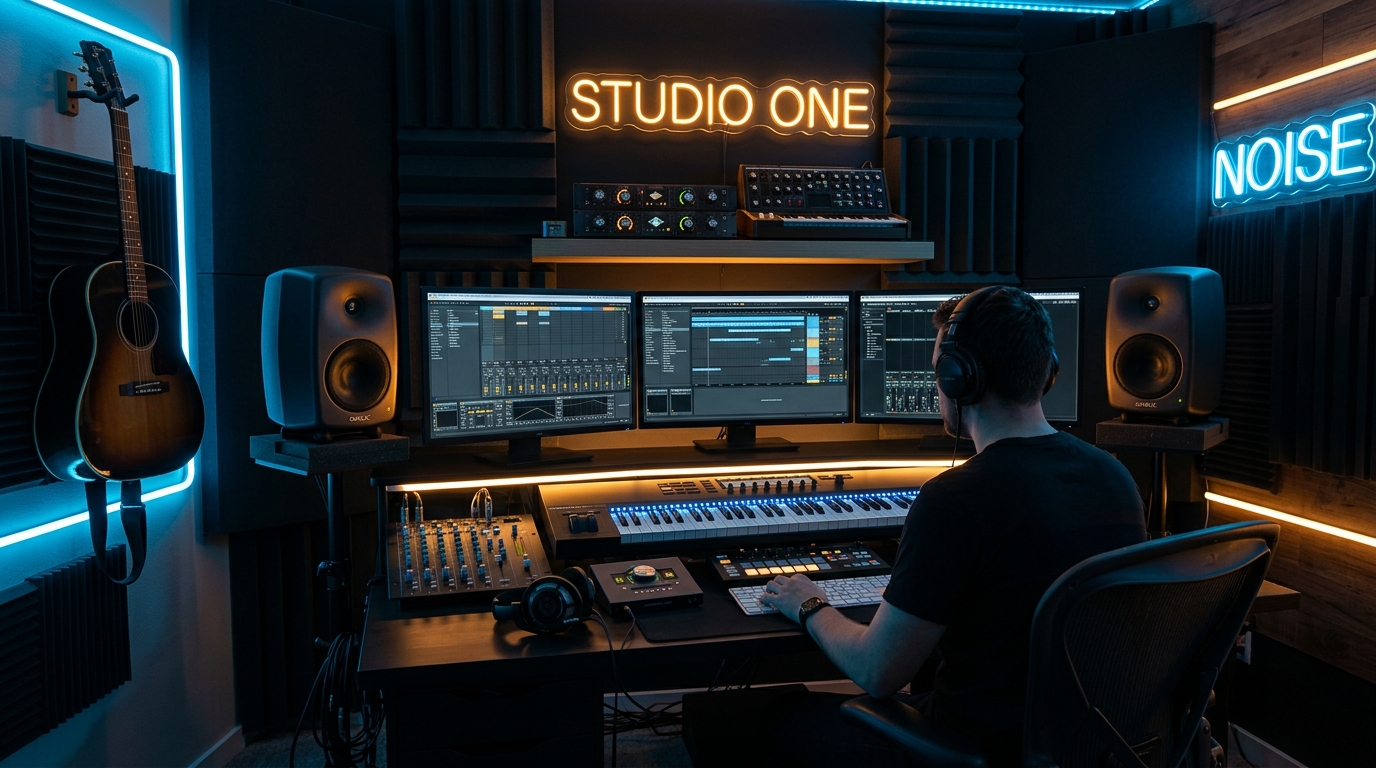
Double Your Digital Real Estate
Adding a secondary monitor boosts workflow speed by over 30%, allowing creators, programmers, and gamers to keep reference documents, code, or Discord open while working full-screen.
1. Connection Ports (DisplayPort vs. HDMI)
Connect your main high-refresh gaming monitor via DisplayPort 1.4 to enable G-Sync / FreeSync. Use HDMI 2.0/2.1 for your secondary productivity screen.
2. Monitor Arms & VESA Mounting
Using a dual gas-spring monitor arm (VESA 75x75 or 100x100) frees up desk space and allows easy vertical / portrait rotation for reading long code files.