
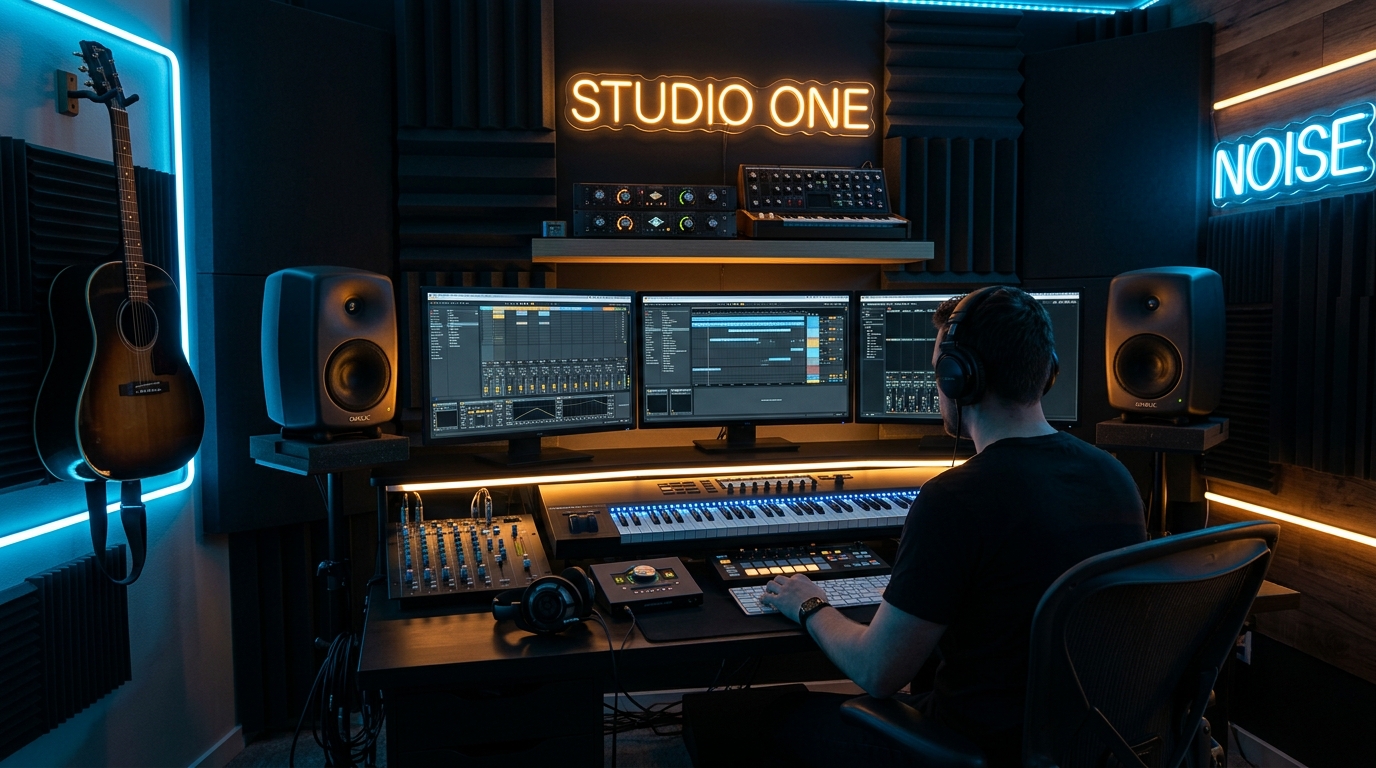
Introduction: Why Music Production Demands Different Hardware Than Gaming
One of the most expensive blunders aspiring audio engineers make is purchasing a high-end gaming laptop under the assumption that 3D graphics rendering hardware translates directly to seamless Digital Audio Workstation (DAW) performance. In reality, audio processing engines like Ableton Live, FL Studio, Steinberg Cubase, and Apple Logic Pro operate on a radically different computing model than 3D video games.
A powerhouse gaming laptop boasting an NVIDIA RTX 4080 GPU will still produce frustrating audio pops, clicks, and buffer dropouts during a 64-sample buffer recording session if its CPU architecture suffers from poor single-core burst throughput, aggressive thermal throttling, or driver-level DPC (Deferred Procedure Call) latency spikes. In this comprehensive guide, I dissect the exact hardware specifications you need to produce, mix, and record professional audio smoothly in 2026.
1. The Four Non-Negotiable Pillars of an Audio Production Laptop
Pillar 1: Single-Core IPC Clock Speeds over High Core Counts
DAWs utilize multi-threading by allocating individual audio mixer channels or track stems across separate CPU cores. However, when you stack six CPU-heavy VST effect plugins in series along a single vocal channel strip (e.g., Pitch Correction → Preamp Emulation → Linear Phase EQ → 1176 Compressor → Saturation → Stereo Imager), that entire serial processing chain must be calculated sequentially on one single core before the buffer deadline expires.
Consequently, an Intel Core i7 with blazing single-core clock speeds (5.0 GHz+ Turbo Boost) or an Apple Apple Silicon processor (M2/M3/M4 with massive L2 cache) will vastly outperform an older 16-core CPU clocked at modest speeds.
Pillar 2: RAM Capacity & Multi-Channel Bandwidth
Virtual software synthesizers like Serum, Vital, and Diva rely on raw CPU math to calculate wavetables in real time. Conversely, orchestral sample libraries, hyper-realistic drum modules (Superior Drummer 3), and grand piano plugins (Keyscape) stream gigabytes of uncompressed 24-bit audio files directly into system RAM.
- 8 GB RAM: Bare minimum for introductory 8-track beatmaking. You will encounter severe disk swapping and freezing once Kontakt libraries exceed 4GB.
- 16 GB RAM (Sweet Spot for Students): Enables comfortable mixing across 40–60 audio tracks with multiple virtual instruments and reverb convolution engines running concurrently.
- 32 GB to 64 GB RAM (Pro Studio Standard): Mandatory for cinematic scoring, heavy film scoring templates, and massive session files without freezing tracks.
Pillar 3: High-Speed NVMe PCIe Gen 4 Storage
Traditional SATA mechanical hard drives (spinning at 5400 RPM) create lethal disk read bottlenecks that trigger buffer under-runs during playback. Modern music production mandates an M.2 NVMe SSD delivering at least 3,500 MB/s sequential read speeds. Always configure your workstation with at least a 512GB system drive (preferably 1TB) to comfortably accommodate your operating system, DAW applications, and essential sample libraries.
Pillar 4: Low DPC Latency (The Hidden Windows Killer)
DPC (Deferred Procedure Call) latency measures how quickly your Windows kernel and background hardware drivers allow real-time audio tasks to execute. Poorly written Wi-Fi card drivers, trackpad software, or power management utilities can stall CPU execution for milliseconds—an eternity when your audio interface buffer requires processing audio every 2.9 milliseconds (at 128 samples / 44.1 kHz). Before choosing a Windows laptop, ensure it benchmarks under 1,000 μs in LatencyMon.
2. Head-to-Head Comparison: Mac vs. Windows for Indian Creators
| Metric | Apple Silicon MacBook (M3 / M4) | Intel / AMD Windows Ultrabooks |
|---|---|---|
| Audio Driver System | CoreAudio (Zero setup, ultra-low latency native drivers) | ASIO / ASIO4ALL (Requires vendor driver setup) |
| Acoustic Fan Noise | Virtually silent (Air is 100% fanless; Pro fans rarely kick in) | Noticeable fan whirl under heavy plugin load |
| Upgradability | Zero (RAM and SSD are permanently soldered) | High (Many models permit dual-channel RAM & M.2 SSD upgrades) |
| Value for Money in India | Premium price point (starts ₹85k–₹1.15L) | Superb mid-range options (₹45k–₹75k) |
3. Educator Tested Laptop Models in India (2026)
1. Apple MacBook Air M3 (16GB RAM / 512GB SSD) — The Studio Recording King
For singer-songwriters, vocalists, and home-studio creators recording with sensitive condenser microphones in the same room as the computer, the fanless MacBook Air M3 is unmatched. Because it has no cooling fan, it produces literally 0 dB of acoustic noise—eliminating fan whirl in your vocal recordings. Its unified memory architecture provides exceptional low-latency monitoring inside Logic Pro and Ableton Live.
2. HP 15s / Dell Latitude 3440 (Intel Core i5 12th/13th Gen) — Best Student Budget Workhorse
For music students with budgets under ₹50,000, 12th and 13th Generation Intel Core i5 laptops provide 10 cores (Performance + Efficiency hybrid architecture) with plenty of headroom for FL Studio and Cubase. Ensure you pick a model featuring an expandable SO-DIMM RAM slot so you can upgrade from 8GB to 16GB dual-channel memory as your production sessions expand.
Frequently Asked Questions
Is 8GB RAM enough for music production in 2026?
8GB RAM is acceptable for absolute beginners working with basic 8-to-16 track arrangements and synthesized instruments. However, modern DAWs and sample engines like Kontakt, Omnisphere, and FabFilter bundle chains quickly push memory usage beyond 10GB. 16GB is strongly recommended to prevent project freezing.
Do I need a dedicated GPU for music production?
No. DAWs do not utilize dedicated 3D graphics cards for audio processing. Integrated graphics (Intel Iris Xe, AMD Radeon 680M, or Apple M-series GPU) are more than adequate for rendering high-resolution UI waveforms and plugin spectrum visualizers.
Looking for educator-tested gear recommendations?
View Educator Recommended Laptops →